Best Practices
Video Marketing

How Blings enhances CRM integrations compared to other video platforms

Yosef's avatar Yosef | May 14, 2026
Two young people smiling while looking at their smartphones against a blue sky, with text overlay reading How Blings Enhances CRM Integrations Compared to Other Platforms
Yosef's avatar Yosef | May 14, 2026

Most video personalization platforms talk about CRM integration as if it were a checkbox. They list logos for Salesforce, HubSpot, and Braze, ship a marketplace tile, and call it a partnership. The reality on the ground is different. CRM integration in video personalization is the difference between a campaign that runs by itself and a campaign that requires a producer to manually export segments, render new files, upload them to a CDN, and stitch the result back into the marketing automation tool every time the data shifts. Most teams buy a video personalization tool to escape that workflow. Most then discover their tool of choice still requires it.

This piece compares how Blings approaches CRM integration against the other video platforms in the market. The headline distinction is architectural: traditional platforms render content in a backend pipeline that lives outside the CRM. Blings renders on demand on the client device, which means the CRM does not need to ship video files anywhere. It only needs to ship a Live URL. The integration footprint shrinks, the campaign cycle shortens, and the data refresh becomes continuous rather than batch.

What does CRM integration actually mean for a video platform?

CRM integration in video personalization should mean four things. First, the CRM is the source of truth for customer data, not a copy of it stored in the video tool. Second, the personalization variables update in real time, not on an overnight sync. Third, the engagement signals flow back into the CRM at the contact level, not as a campaign-wide aggregate. Fourth, marketing operators can launch and update campaigns from inside the CRM workflow, without exporting segments or routing tickets to a creative team.

Most platforms hit one or two of these. The traditional rendering model makes it structurally hard to hit all four because the rendering step itself creates a queue, and the queue creates lag, and the lag breaks the real-time feedback loop. Blings was built specifically to remove the queue.

For a refresher on why the architecture choice drives the integration outcome, see MP4 is dead.

How does Blings integrate with Salesforce?

Blings connects to Salesforce through a native, certified integration that pulls contact, account, and custom object fields directly into the personalization layer. The setup uses Salesforce APIs and OAuth, which means no custom middleware and no nightly file dumps. Once connected, every contact in Salesforce can be referenced as a parameter on a Live URL, and any field update propagates to the next render automatically.

What matters for marketing teams is that the integration supports both Marketing Cloud and Sales Cloud workflows. A campaign manager in Marketing Cloud can drop a Live URL into a Journey Builder email and see real-time engagement data flow back. A SDR in Sales Cloud can send a personalized video from a contact record using a one-click action. The same Dynamic Master Template serves both audiences without any duplication.

By comparison, Idomoo requires customers to upload audience segments to its platform, render the videos in a backend queue, and pull the resulting URLs back into Salesforce on a campaign-by-campaign basis. The data refresh is batch. The video file lives outside Salesforce on Idomoo’s CDN. Engagement metrics flow back through a separate dashboard rather than into the contact timeline. For a deeper comparison, see Blings vs Idomoo.

How does Blings integrate with HubSpot?

HubSpot integration follows the same pattern. Blings connects to HubSpot through the standard HubSpot OAuth and CRM API, and every contact property becomes a personalization variable. Marketing operators can embed a Live URL inside a HubSpot email or sequence using the standard merge tag syntax. The video resolves at the moment of open, using the most current value of every contact field, so a name change or tier upgrade in HubSpot is reflected the next time the recipient opens the email.

The integration also passes engagement events back into HubSpot using the timeline API. Open, watch, completion, and CTA-click events appear on the contact record alongside email opens and form submissions, which means the data is available to HubSpot workflows and reports without any third-party connector.

The platforms that compete with Blings here, including Pirsonal and Plainly, typically rely on Zapier or webhook glue to move data between HubSpot and the rendering engine. The result is workable but fragile. Every step adds latency and another failure mode.

How does Blings integrate with Braze, Iterable, and Klaviyo?

Customer engagement platforms like Braze, Iterable, and Klaviyo are where most modern marketing teams orchestrate cross-channel campaigns. Blings integrates with all three through native connectors that consume liquid-style merge tags and resolve them into Live URLs at send time.

For a Braze customer running a lifecycle campaign, the workflow looks like this. The Braze marketer drops a Liquid tag into the email template referencing a Blings Dynamic Master Template ID. Braze evaluates the tag at send time using the current state of the user profile and produces a Live URL with the user’s data parameters embedded. The recipient opens the email, and the video renders on their device using the parameters in the URL. Braze records the click. Engagement signals from the video can be pushed back into Braze as custom events, which then trigger downstream automations.

The architectural advantage compared to other video platforms is that no asset has to be pre-rendered. The Braze user does not have to wait for an Idomoo-style render queue to finish before launching the campaign. The Klaviyo user does not have to upload static MP4 files to S3 and reference them by URL. Personalization variables can be added or changed in the Dynamic Master Template without re-issuing files.

Blings has shipped this pattern across customer engagement platforms with brands like Vonage, Bridgestone, and Arla Foods, where the integration depth was the difference between weeks and minutes between data change and campaign reflection.

What does the Blings integration look like in production?

The clearest production view comes from Live Nation VIP, which used Blings to deliver personalized fan engagement videos for the Trilogy Tour featuring Enrique Iglesias, Ricky Martin, and Pitbull. The CRM source of truth held VIP package tier, language preference, seat location, and event metadata. Blings consumed those fields as parameters on the Live URL, and every fan received a video that reflected their specific package, language, and show details. The campaign produced a 17.55% lift in unique opens and a 16.6% share rate, both of which were driven by the freshness of the data the personalization layer pulled from the CRM. Read the full case in the Live Nation VIP case study.

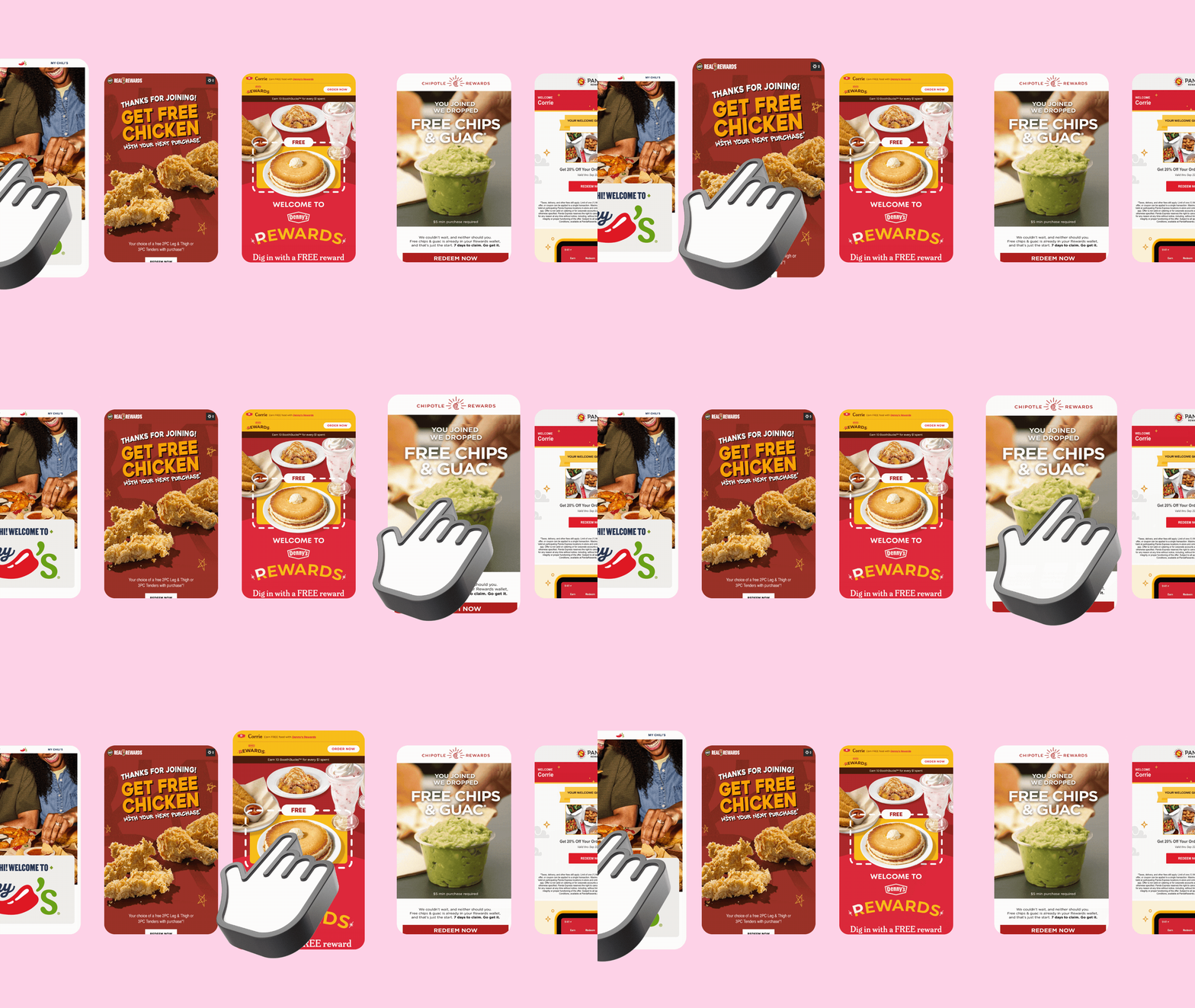
A second example comes from McDonald’s, which used Blings to power a localized loyalty campaign across multiple markets. Customer data, including local store preferences and reward balances, lived in the brand’s regional CRM systems. Blings pulled the data through the same Live URL pattern and rendered the personalized creative on demand for each customer’s market. The integration ran without a render queue, which meant promotional updates and seasonal copy could be deployed in hours instead of weeks.

How does Blings compare to other video platforms on integration depth?

The honest comparison comes down to four factors: data freshness, asset rendering model, engagement loopback, and campaign workflow.

Data freshness. Blings reads the customer field at the moment of open, every time. Idomoo, Pirsonal, and Plainly read the field at render time, which can happen days or weeks before the open. If the customer’s data changes between render and open, the older platforms ship the stale version of the video. Blings ships the current version.

Asset rendering model. Blings uses on-demand client-side rendering through MP5 technology, which means a single Dynamic Master Template serves an unlimited audience without per-recipient render cost. The other platforms render a separate file per recipient, which produces predictable bottlenecks at scale. Storage costs grow linearly with audience size. Render queues create lead time. Updates require new render runs.

Engagement loopback. Blings sends engagement events to the CRM at the contact level using each platform’s native API, which means the events appear on the contact timeline and are available for downstream segmentation. The other platforms send aggregate or campaign-level data, which is useful for dashboards but not for triggering follow-up automations.

Campaign workflow. Blings campaigns can be launched from inside the CRM or marketing automation tool using merge tag syntax. The other platforms require operators to leave the CRM, build a segment in the video tool, run a render, copy URLs back into the CRM, and stitch the result into the campaign manually.

What does the integration mean for measurement and ROI?

The measurement story changes when the integration is real. With Blings, every Live URL emits the engagement events that the CRM is already structured to consume. A marketer running a Braze lifecycle program sees video opens, watch milestones, and CTA clicks on the same user profile timeline as email opens and push notifications. A Salesforce admin sees the same events on the contact record. A HubSpot operator sees them in the contact timeline.

That continuity matters for ROI calculation. Most measurement gaps in video personalization come from the fact that the engagement data lives in the video tool, the conversion data lives in the CRM, and joining them requires a dedicated analytics motion. With Blings, the data lives in one place, which means revenue attribution can be calculated using the same dashboards that already report on the rest of the marketing stack.

The HubSpot research on personalization aligns with this. According to HubSpot research on personalization, marketers who report integrated data flows between video creative and CRM see a 30% lift in attributable revenue from personalized campaigns compared to those running disconnected stacks.

FAQ

Does Blings store customer data after the personalization is rendered? No. Blings uses a Zero-Knowledge Architecture, which means PII is resolved on the client device at the moment of open and is never persisted on Blings servers. The CRM remains the only source of truth for customer data.

Which CRMs and customer engagement platforms does Blings integrate with natively? Salesforce, HubSpot, Braze, Iterable, Klaviyo, Marketo, Adobe Campaign, and Microsoft Dynamics, with additional connectors available through the API for custom CRMs and data warehouses.

How long does a typical CRM integration take to set up? For native connectors, most teams complete the integration in two to five business days. Custom integrations through the Blings API typically take two to three weeks depending on data model complexity.

Can the integration support multi-region or multi-language deployments? Yes. Personalization variables can include locale and language fields, and the Dynamic Master Template can be configured to swap copy, voiceover, and on-screen text per region without producing separate templates.

What happens if the CRM data changes after the email is sent? The next time the recipient opens the email, the video renders against the current state of the data, not the state at send time. Stale renders do not exist in the Blings model.

The takeaway

The CRM integration story for video personalization is not a feature comparison. It is an architecture comparison. Platforms that render in a backend queue cannot achieve the data freshness, engagement loopback, or workflow continuity that integrated marketing teams need. Platforms that render on demand can, because the integration footprint collapses to a single URL parameter pattern. Blings was built around the second model, which is why customers like Live Nation VIP, McDonald’s, Vonage, Bridgestone, and Arla Foods ship campaigns from inside their existing CRM workflows rather than around them.

The integration is the product. Everything else is a consequence of it.

Talk with a video expert now to see what you can accomplish.
Schedule Call
/* === Mobile brands-carousel first-load recentering fix === */ (function(){ function recenterBrandsCarousel(){ if (window.innerWidth > 991) return; var t = document.querySelector(".brands-track"); var n = document.querySelector(".brands-nav-next"); var p = document.querySelector(".brands-nav-prev"); if (!t || !n || !p) return; if (t.dataset.blRecenterDone === "1") return; t.dataset.blRecenterDone = "1"; var prevTrans = t.style.transition; t.style.transition = "none"; n.click(); requestAnimationFrame(function(){ p.click(); requestAnimationFrame(function(){ t.style.transition = prevTrans; }); }); } function schedule(){ setTimeout(recenterBrandsCarousel, 300); if (document.fonts && document.fonts.ready){ document.fonts.ready.then(function(){ setTimeout(recenterBrandsCarousel, 300); }); } window.addEventListener("orientationchange", function(){ var t = document.querySelector(".brands-track"); if (t) t.dataset.blRecenterDone = "0"; setTimeout(recenterBrandsCarousel, 400); }); } if (document.readyState === "complete") schedule(); else window.addEventListener("load", schedule); })();