Best practices
Personalization
Email

What CRM integration really means for personalized video (no API project required)

Yonatan Schreiber's avatar Yonatan Schreiber | Oct 22, 2026
what crm integration really means for personalized video no api project required
Yonatan Schreiber's avatar Yonatan Schreiber | Oct 22, 2026

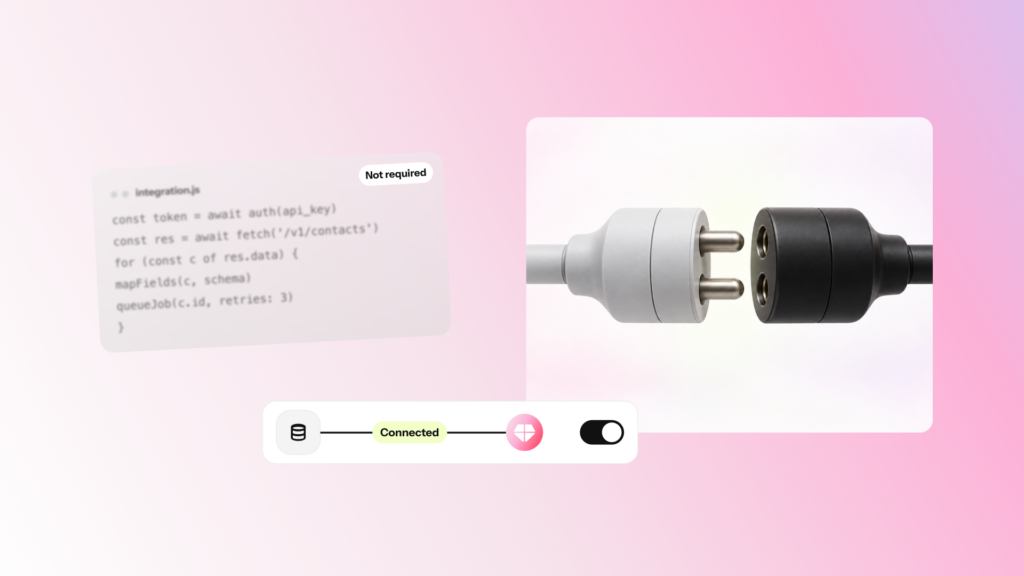
When a marketing team hears “integration,” they often picture an engineering ticket: an API build, a sprint, and a quarter of waiting. For personalized video, that picture is wrong in most cases. If you can add a merge tag to a link, you can deploy a Smart Video.

This post explains what CRM integration actually involves, what it does not, and the rare cases where a developer needs to be in the room.

Integration is a link, not a build

The core of Blings CRM integration is the Smart Video Link: a single URL you paste into a campaign you are already sending. You attach your CRM’s merge tags to it, the same tags you use to put a first name in a subject line. When the message sends, the CRM fills in the values, and the Smart Video reads them.

There is no data pipeline to maintain and no file to produce for each contact. The video is generated on the recipient’s device at the Moment of Open, so your work ends at pasting a link and mapping a few fields.

The three ways to connect, from simplest to most controlled

Blings supports a short menu of integration patterns. Most teams never go past the first one.

Pattern Use it when Who sets it up
Merge tags in the Smart Video Link You send through email, SMS, push, or any CRM campaign and can place a merge tag in a link A marketer, in the campaign editor
CRM-hosted landing page The CRM should own the page, the consent layer, or the tracking, or the data should not appear in the URL A marketer with light help from a web or CRM admin
SDK or custom API Personalization depends on backend logic, a CDP, authentication, or live product state assembled at the moment of the request A developer

The first row covers the large majority of lifecycle and marketing campaigns. The API only enters the picture when data has to be assembled by a system at request time, which is the exception, not the rule.

What you do not need

  • No API project for standard email, SMS, or push campaigns. Merge tags in a link are enough.
  • No new workflow to learn. You work inside your existing CRM campaign editor.
  • No per-customer video files. One Smart Video template serves every recipient through On-Demand Generation.
  • No data warehouse change. Your CRM stays the source of truth, and the fields you already have are the fields you use.

This is what Zero Tech Debt means in practice: nothing new to run, patch, or hand off to engineering after launch.

What setup actually looks like

  1. Confirm your fields. In the Blings Platform, check the Dynamic Data field names the video expects.
  2. Copy the Smart Video Link. From Platform Integration, copy the generated CRM link format.
  3. Swap in your merge tags. Keep the Blings parameter names and fill each value with your CRM’s token syntax.
  4. Paste it into your campaign. Drop the link into the email, SMS, or push message you were already going to send.
  5. Test end to end. Send a real message to a test contact, open it, and confirm the tags resolved and the video matches.

Most teams complete this in a single sitting. Nothing here requires a release cycle.

When you do need a developer

There is a real line, and it is worth naming honestly. Bring in a developer when the personalization depends on data that does not exist as a simple CRM field: a live account balance pulled at request time, a recommendation assembled by a CDP, or content behind authentication. In those cases, the Blings SDK or a custom API lets your system pass a data object straight to the player. Everything short of that is a marketer’s job.

Frequently asked questions

Does Blings CRM integration require an API?

Not for standard campaigns. For email, SMS, and push, you add merge tags to the Smart Video Link in your CRM. An API or the SDK is only needed when data is assembled at runtime by a backend or CDP.

How long does it take to set up?

Most teams finish in one sitting: confirm the field names, copy the Smart Video Link, add your merge tags, paste it into a campaign, and run one test send.

Do I need engineering support?

Usually no. The merge-tag pattern is done entirely in your CRM campaign editor. A developer is only needed for backend or CDP-driven personalization.

Will integration change my existing workflow?

No. You keep working in your current CRM, using the merge tags you already know. There is no new system to learn.

What is Zero Tech Debt?

It means there is nothing new to run or maintain after launch. Blings adds no pipeline, no per-customer files, and no change to your CRM as the source of truth.

Your customers are waiting for great video experiences.

Schedule a custom demo