
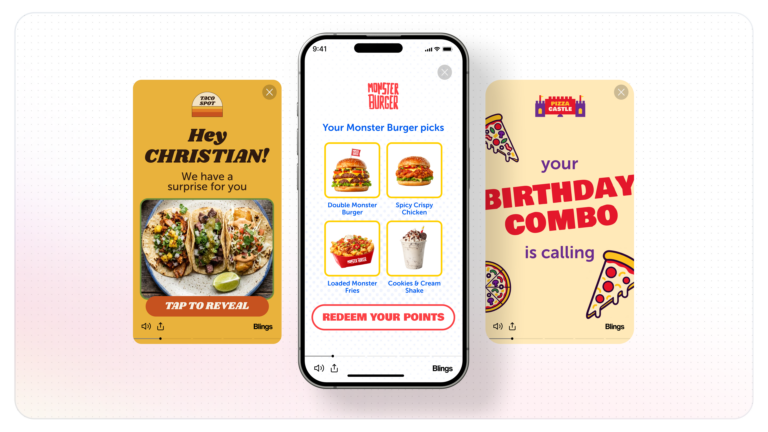
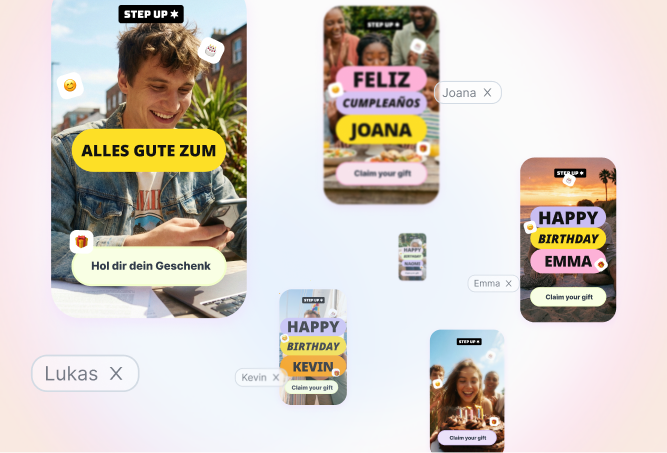
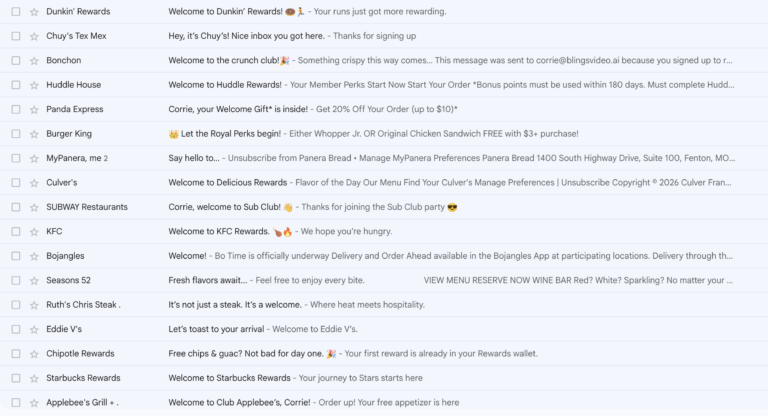
Personalization has a chicken-and-egg problem: the best personalized video needs customer data, but the customers you most want to reach are often the ones you know least about. Interactive video closes that gap by collecting the data inside the experience itself. Instead of personalizing from data you already hold, the video asks, and the viewer answers.
Best practices
Personalization
Email
Website
No user data? How interactive video collects first-party data for you
 Yonatan Schreiber | Nov 19, 2026
How a Smart Video collects data
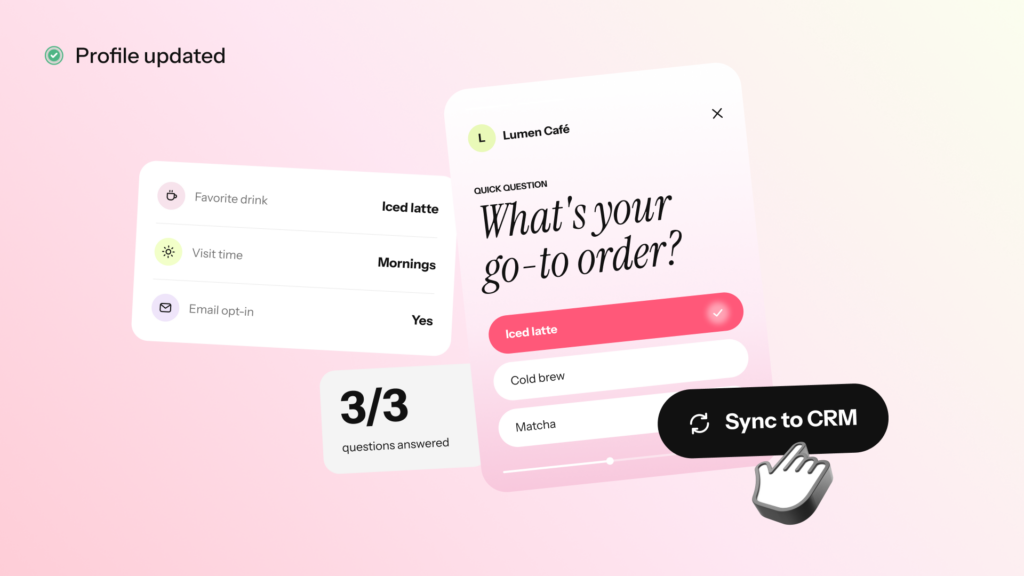
A Blings Smart Video can collect viewer input directly, using three parts that work together.
- Input Field, so the viewer can type a value such as an email, a phone number, or a preference.
- Submit Form, so a tap on a button or scene submits one or more of those values.
- Form Data, so the submissions can be reviewed or exported for follow-up.
The viewer never leaves the video to fill out a separate form. The question and the answer happen inside the experience, which is why interactive video tends to collect more completed responses than a link to a landing page.
What you can collect
| Viewer field | What it is for |
|---|---|
| Email or phone number | A first-party contact for a previously anonymous viewer |
| Plan or product preference | A stated interest that shapes the next message |
| Quiz or choice answer | A self-selected segment the viewer picked themselves |
| Feedback or rating | A direct signal on satisfaction or intent |
Why this is first-party data worth having
Data the viewer gives you knowingly, in exchange for something useful, is the most durable kind. It does not depend on third-party cookies, it comes with context because the viewer chose it inside your content, and it is consented by design. The video can ask for exactly the field that will make the next message better, and nothing more.
A simple flow that builds a profile over time
The pattern that works is small and repeated. An onboarding video asks for a channel preference. A product video asks which plan the viewer is weighing. A feedback video asks for a rating. Each answer is a new field, and together they turn an anonymous viewer into a known contact with a real profile, one question at a time.
How to set it up
- Decide what to collect. List each value and give it a stable field name, such as
emailorpreferred_plan. - Design the input moment. In Studio, leave room for the input layer, a clear prompt, a submit button, and a success state.
- Add the connectors. An Input Field for each value, and a Submit Form on the button that sends them.
- Choose where it goes. Save submissions in Blings Form Data, or hand them to your own system, matched to your consent and retention plan.
- Test the whole flow. Enter values, submit, try an empty field, and confirm the submission arrives with the right field names.
Handle consent and privacy up front
Collecting data inside a video does not change your obligations around it. Confirm the consent language, storage expectations, and retention rules before launch, the same as any form. Because a Blings Smart Video is generated on the viewer’s device, the experience fits a privacy-first posture, but the data you deliberately collect is still data you are responsible for.
Frequently asked questions
How does interactive video collect data?
A Blings Smart Video uses an Input Field for the viewer to type a value, a Submit Form to send it, and Form Data to store it, so the viewer answers inside the video rather than on a separate page.
What kind of data can a video collect?
Contact details like an email or phone number, stated preferences, quiz or choice answers, and feedback or ratings, each saved as a named field.
Is data collected in a video first-party data?
Yes. The viewer provides it knowingly inside your content, so it is consented, contextual, and does not depend on third-party cookies.
Where do the submissions go?
Into Blings Form Data for review or export, or into your own system through custom handling, matched to your consent and retention plan.
Do I still need consent for data collected in a video?
Yes. Collecting inside a video does not change your privacy obligations. Confirm consent language, storage, and retention before launch.
You may also be interested in
Best practices
Comparison
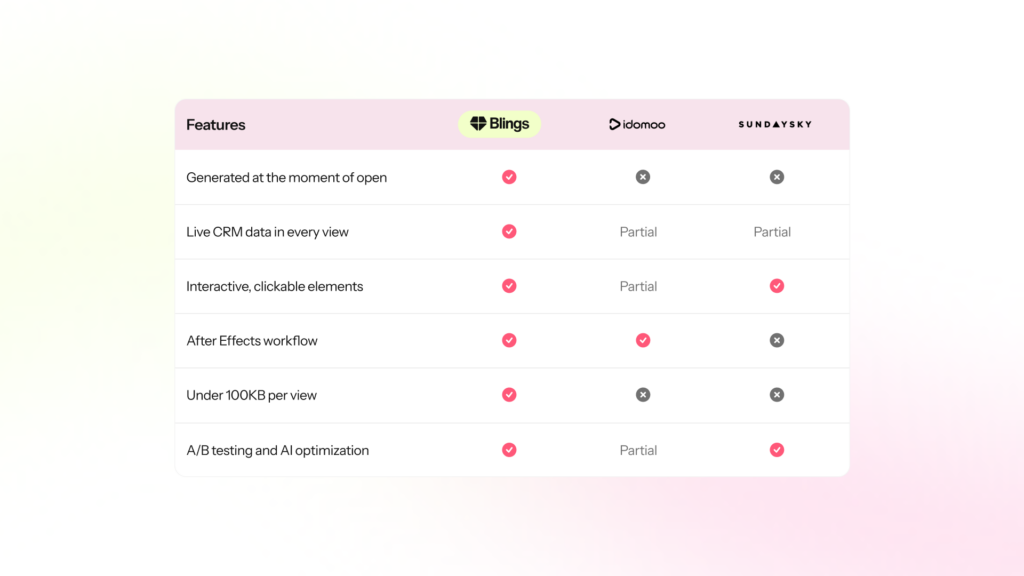
SundaySky vs Idomoo vs Blings: how the leading personalized video platforms compare in 2027
Learn more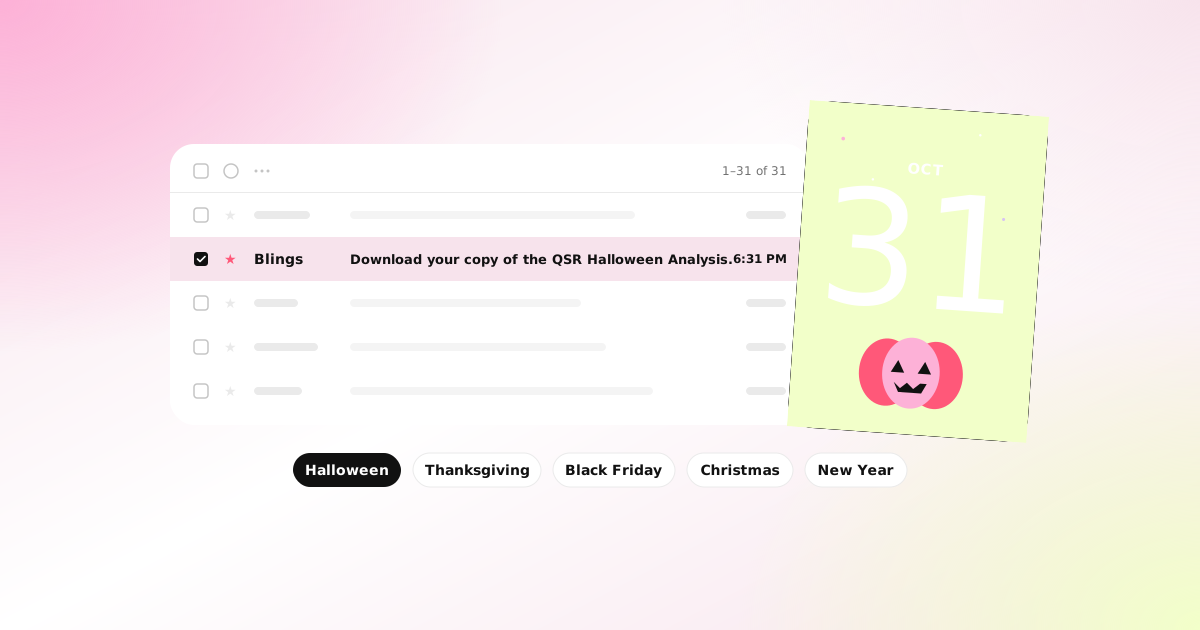
Best practices
Email marketing
Most restaurant brands treated Halloween as a single email. The best ones built a game.
Learn more
Best practices
Personalization